MeshMolded › Thermoforming guide
How to thermoform a 3D-printed mesh
Thermoforming turns a flat 3D print into a rounded shell. You print a thin, open PLA mesh flat on the bed, soften it with a hair dryer and press it between two printed molds, and it keeps their shape once it cools. Two shells close into an ornament or a treat box.
Why a mesh
A solid sheet resists being stretched into a dome. An open mesh has room to stretch: it is the shape printed with no top and bottom layers, so only its gyroid or honeycomb infill remains. Warmed, it follows the mold, and it keeps that shape when it cools.
PLA softens at around 60 °C, so a hair dryer is enough. The rim around the mesh stays solid and keeps the outline.
What you need
- A Bambu Lab printer. Every current model works, from the A1 mini to the H2D; an AMS is optional.
- PLA for the mesh. The molds print in PLA too; PETG keeps its shape longer if you form many pieces.
- A hair dryer.
- The project for your design: one Bambu Studio 3MF with the two mesh halves, the molds, the nut and the clip. MeshMolded makes it for any of its 359 ready designs.
Step by step
The pictures are 3D illustrations of the Skull design, rendered from its real geometry.
Print the halves flat
Open the 3MF in Bambu Studio: the printer, the filaments and the mesh settings (0 top and bottom layers, gyroid or honeycomb infill) are already set. Print the plate with the two halves.
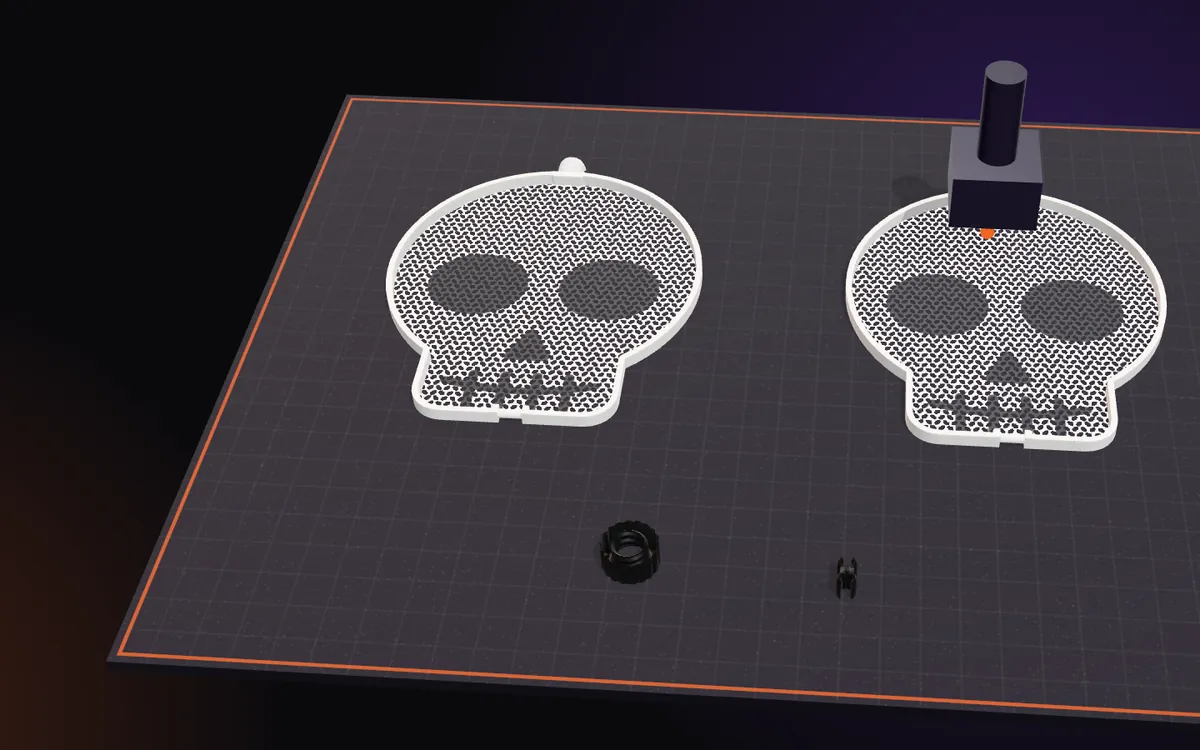
Print the molds, the nut and the clip
Print the other plates: the bottom and the top mold, then the nut and the clip. The molds can be any colour. A symmetric design forms both halves in one mold set; the studio says when a design needs a second one.
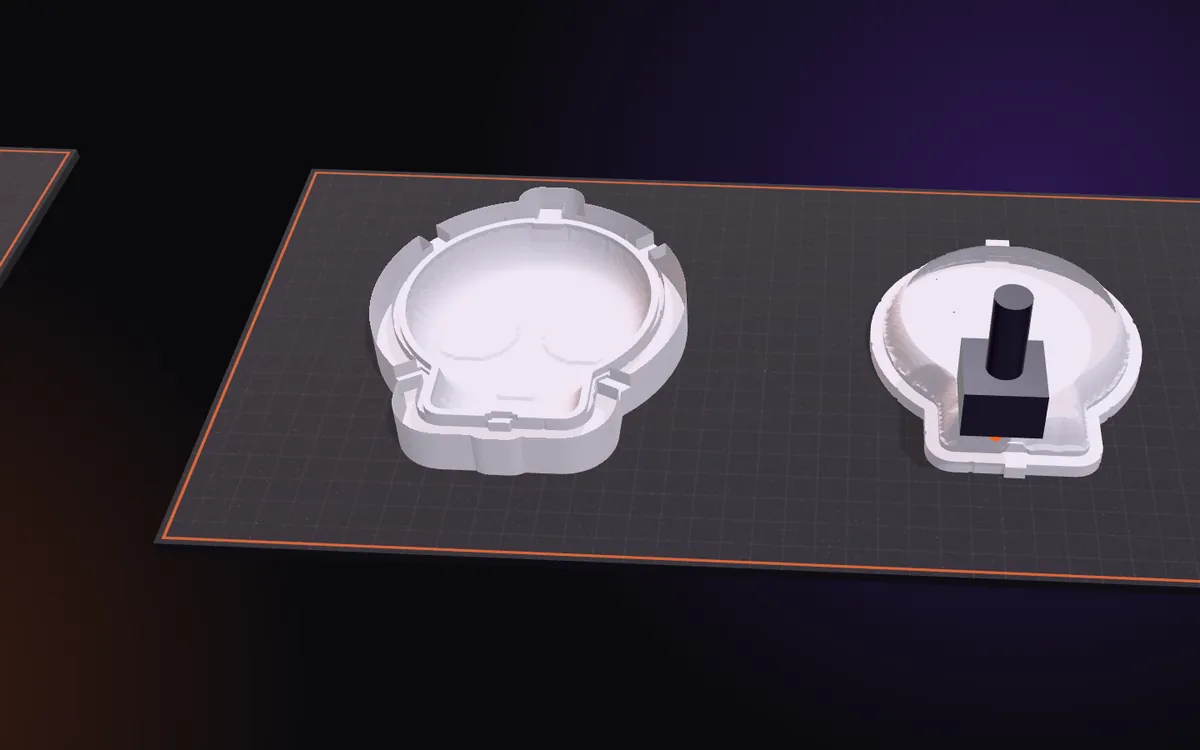
Lay a half in the bottom mold
Place it with the coloured face (the one with the rim) down; the face that was on the bed stays up. The rim drops into its recess.
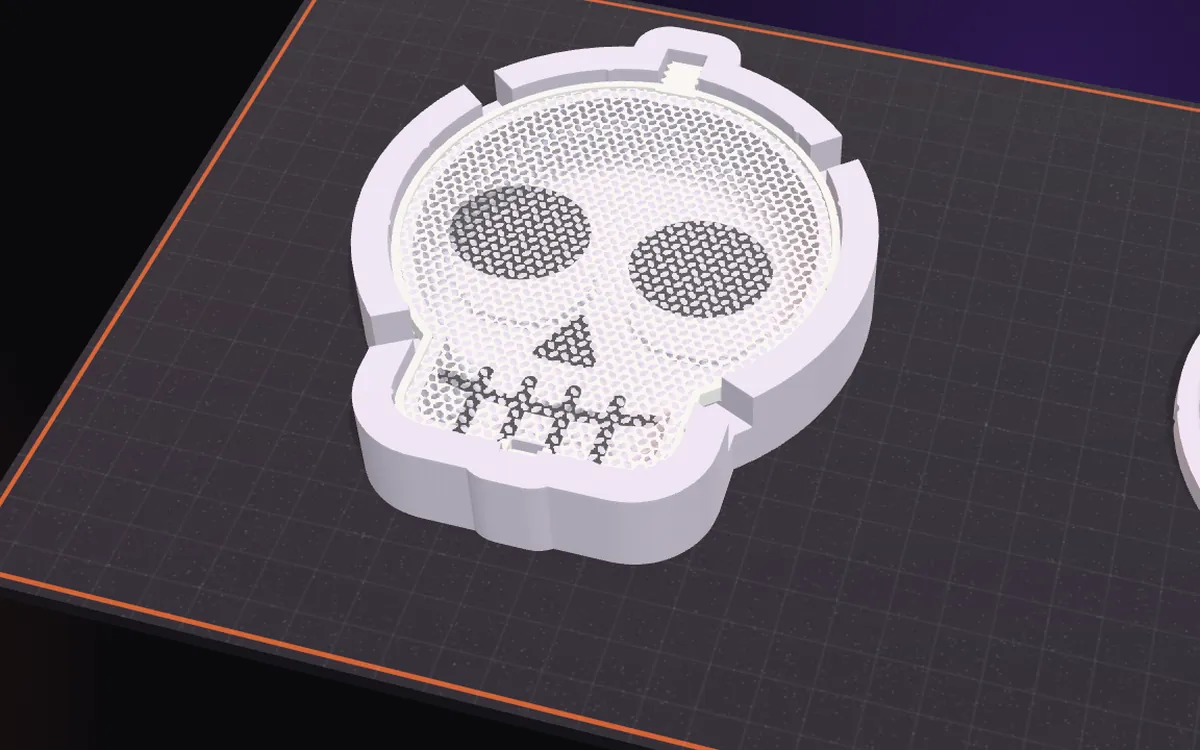
Warm it with a hair dryer
Heat the mesh for 8–10 seconds, until it softens.
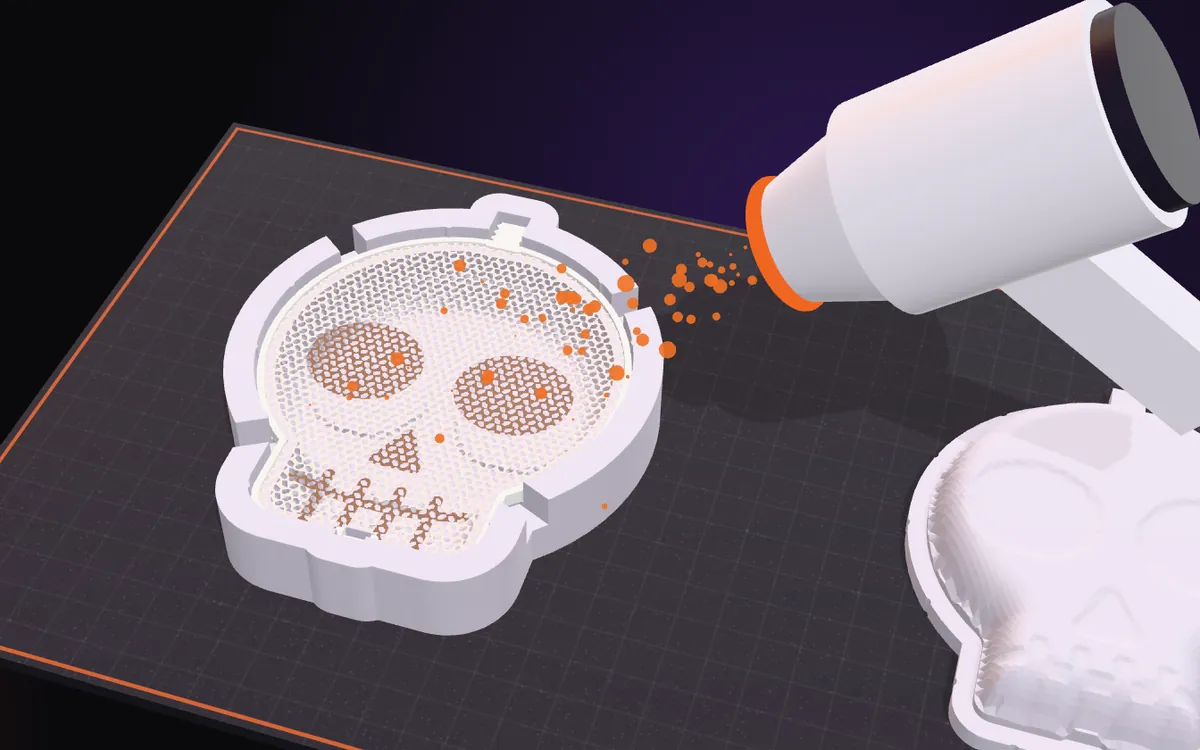
Press the top mold
Press the top mold all the way down (it clamps the rim and the thread) and hold it until the mesh has cooled, then lift it off.
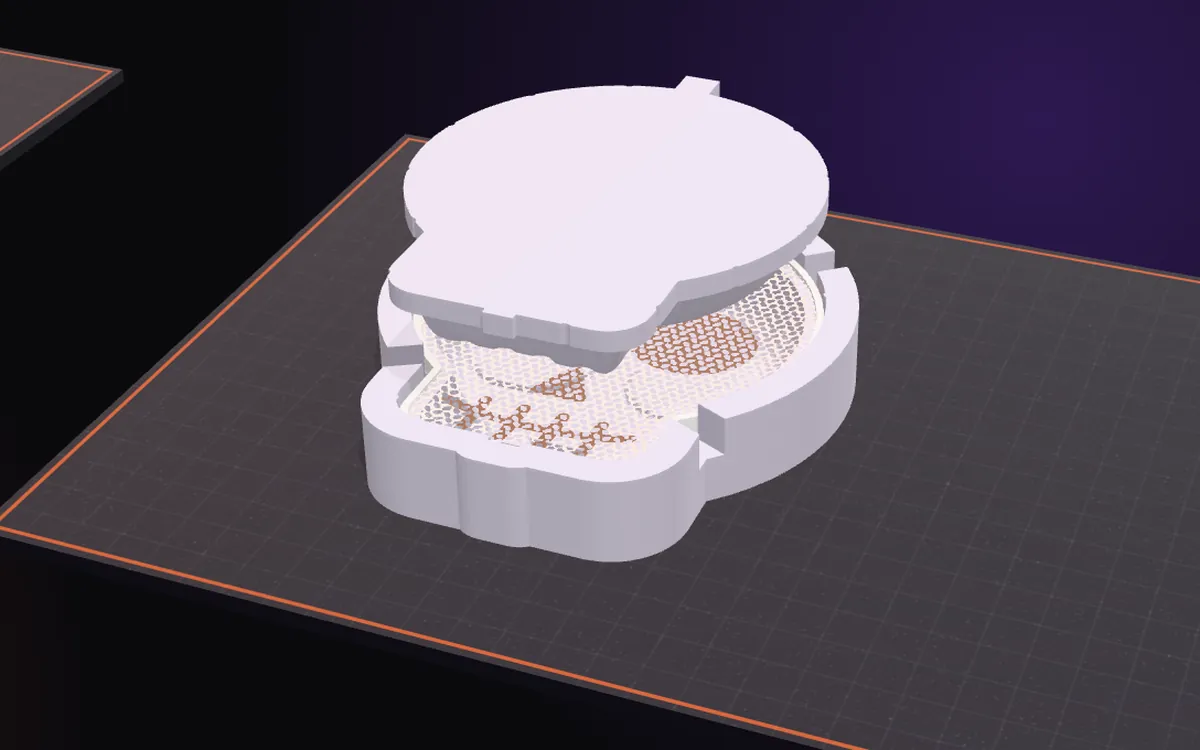
Form the second half
Let the mold cool for a few minutes, then form the second half the same way. Heat each half only once: heated a second time, the mesh becomes brittle and breaks.
Close the hinge at the bottom
Put the halves back to back. The rim of the back half ends in a round bar at the bottom: push the clip onto it, then close the front half over it until it clicks into place.
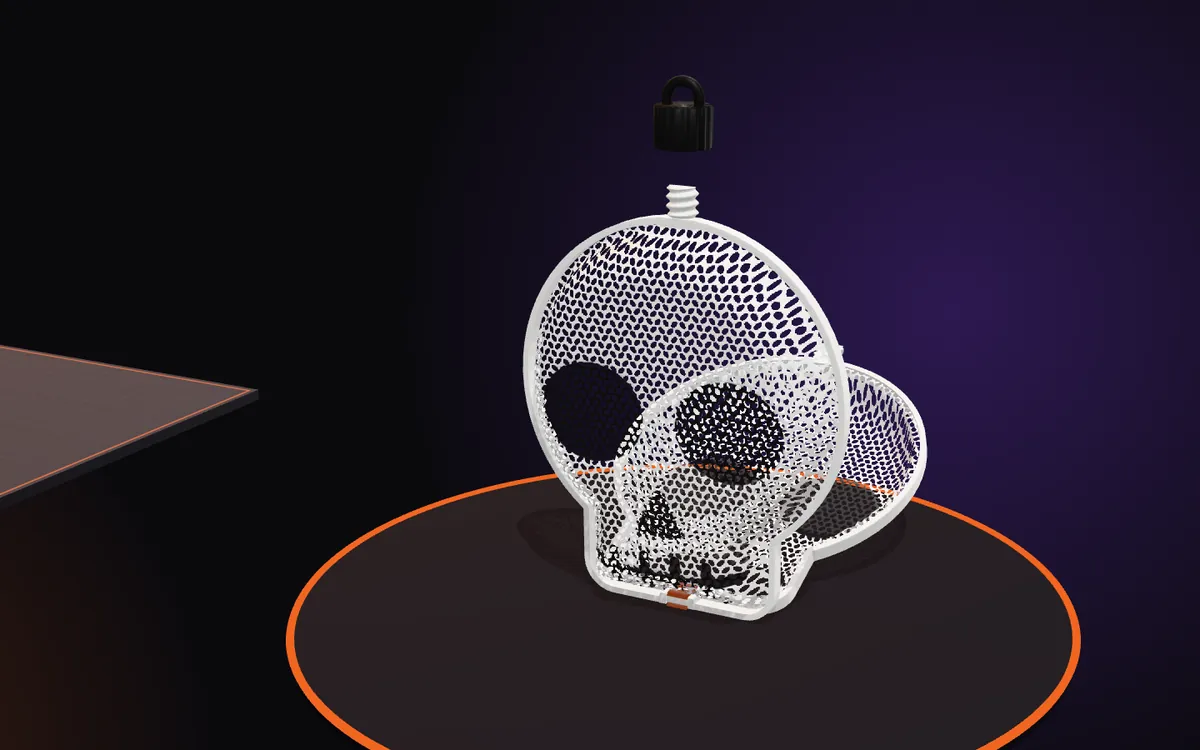
Screw the nut on top
The nut keeps the halves closed, and its loop is for hanging.
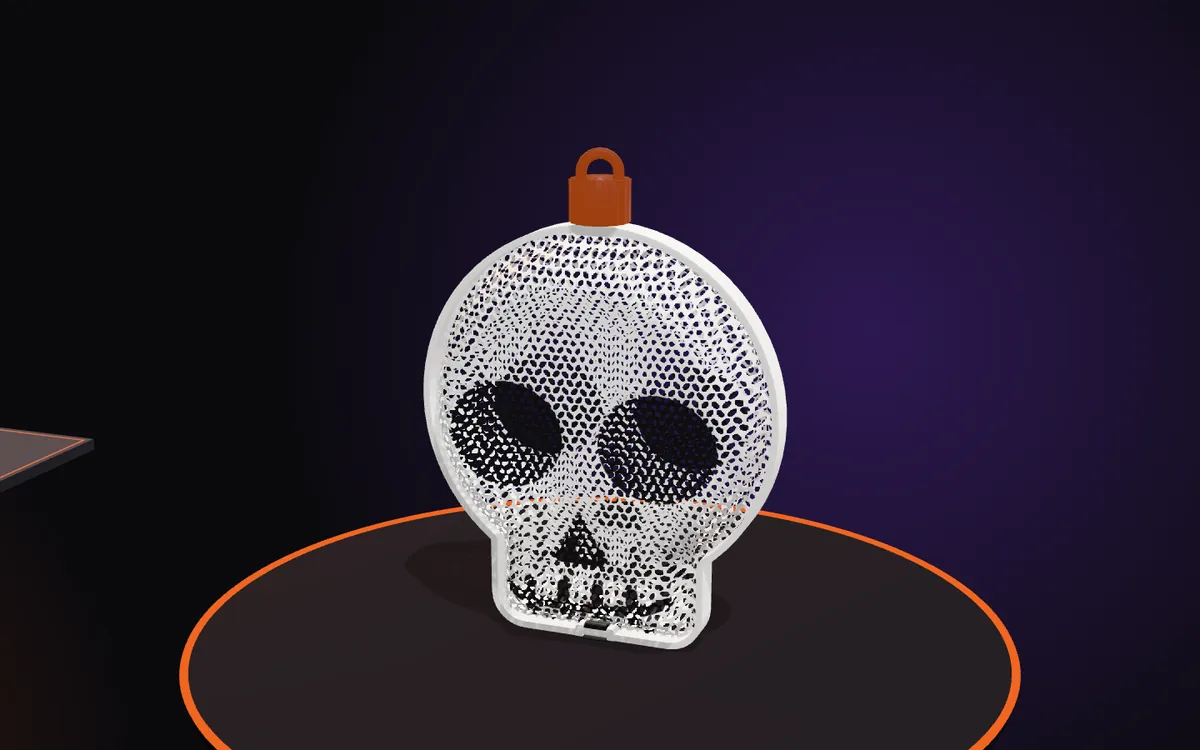
Fill it
To open it, unscrew the nut, slide the clip out and open the halves. Wrapped sweets only: a printed mesh is not a food container.
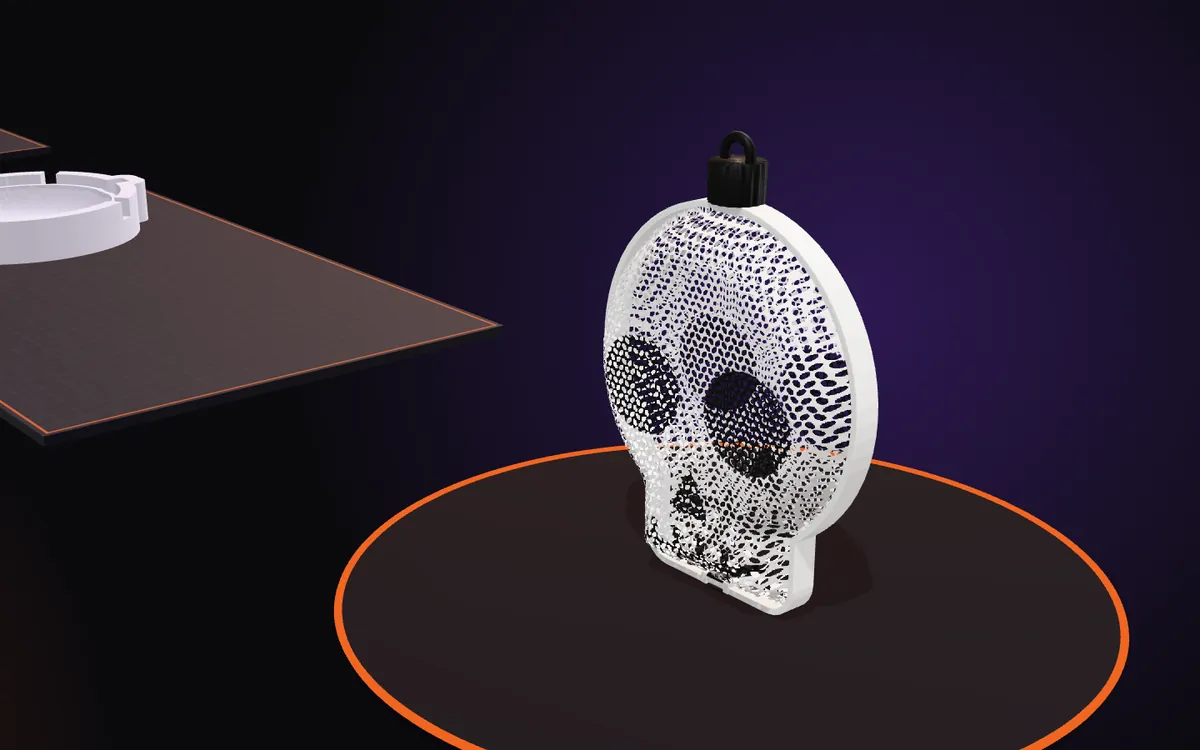
Good to know
Heat once
A half that did not take the full shape should not be heated again, because it becomes brittle. Print a new one.
One mold set or two
A symmetric outline forms both halves in the same molds. A non-symmetric outline, or relief that differs between the front and the back, needs a second set; the studio shows this before you download and can flatten that relief so that one set is enough.
Molds for many pieces
PETG softens at a higher temperature than PLA, so PETG molds keep their shape longer when you form many pieces.
One filament or several
With one filament you get a single-colour piece. With an AMS every colour is its own part, assigned to its own filament slot.
Make your own
Pick one of 359 ready designs, change its colours, add a name or stickers, and see it in 3D and in its molds. Designing is free and needs no account.